
You’re ready to floss, you press the button, and instead of a steady stream, your Coslus water flosser flashes a persistent blue light. The pump stays silent. The brush might still work, but the flossing function is dead. You’re not alone. Thousands of users report this exact issue: a blinking blue light with no water output. The good news? Most cases are fixable in under 10 minutes.
This guide breaks down every cause, solution, and prevention tip for coslus water flosser blinking issues. You’ll learn how to reset your device, restore pump function, and keep it running smoothly for years.
Decode the Blinking Blue Light
The blinking light isn’t random. It’s a diagnostic signal pointing to battery, connectivity, or blockage issues. Understanding what the flash means saves time and prevents unnecessary repairs.
Normal vs. Faulty Light Patterns
A blinking blue light isn’t always a problem. The Coslus water flosser uses LED signals to communicate status:
• Steady blue glow: Charging or ready to use
• Slow pulse during use: Normal flossing operation
• Fast, continuous flash: Fault condition, stop use and troubleshoot
When the light flashes rapidly without pumping, it’s not a software glitch. It’s a warning. The device detects a failure in power delivery, wireless sync, or water flow.
What the Flash Means
Persistent blinking typically means one of four things:
• Low battery or charging failure
• Lost connection between handle and base
• Pump blockage or airlock
• Internal system error
The brush function may still work because it operates independently. But the flosser needs full power and communication to engage the micro-pump. Ignoring the blink risks battery strain or permanent pump damage.
Reset the Handle-Base Connection
The #1 fix for blinking lights is a reset and re-dock procedure. This re-establishes the wireless trigger between the handle and base, like rebooting a Bluetooth device.
Re-Pair the Wireless Signal
This simple process resolves 70% of blinking cases, especially after disuse or accidental displacement. The base sends a signal to wake the pump only after successful pairing.
Step-by-step reset:
- Dock the handle securely on the charging base
- Wait 10 seconds for the blue light to activate (steady or pulsing)
- Remove the handle from the dock
- Press the floss button. The light should stay solid, and the pump should hum
Avoid Common Reset Mistakes
• Don’t press the floss button while the handle is docked. This confuses the signal
• Don’t use the flosser if the light flashes immediately after removal. Retry the reset
• Always start with a charged unit. Low power blocks re-pairing
If the light still blinks after three reset attempts, move to battery and pump checks.
Check Battery and Charging
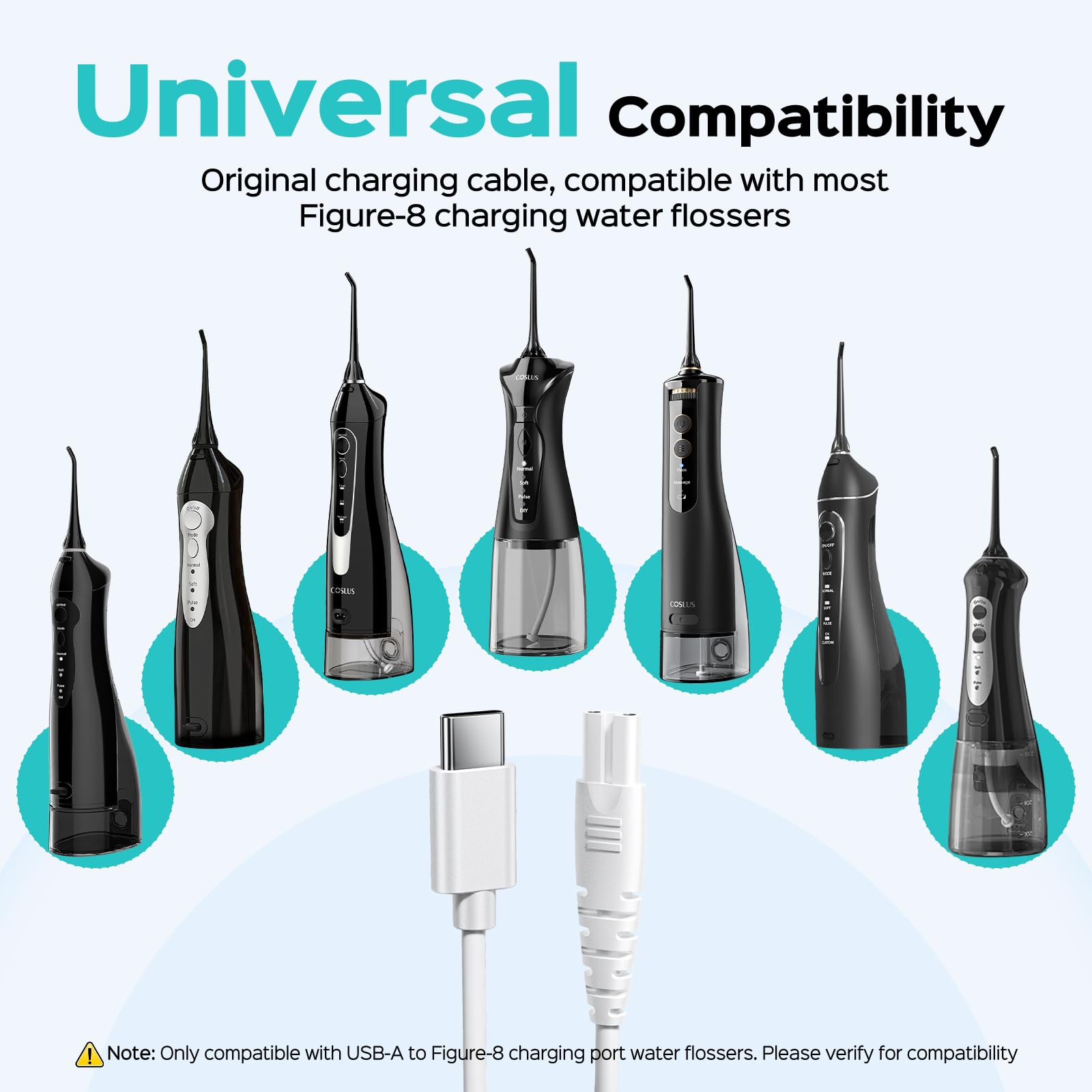
A weak or failing battery can’t deliver the burst needed to start the pump, triggering a blink. Even if the light turns on, the charge might be too low for flossing.
Test for Power Issues
Signs of battery failure:
• Device won’t charge overnight
• Blinking starts mid-use
• Only works when freshly docked
Charge the unit for 4 to 6 hours using the original USB cable and adapter. Avoid third-party chargers. They may not deliver stable voltage.
Inspect Charging Contacts
Dirt, toothpaste, or moisture on the charging points disrupts power flow.
How to clean:
- Unplug the base
- Wipe the metal contacts on the handle and base with a dry microfiber cloth
- Use a cotton swab lightly dampened with rubbing alcohol if buildup is visible
- Let dry completely before recharging
Never immerse the base in water. A damp cloth is enough for surface cleaning.
When Battery Replacement Is Needed
Lithium-ion batteries degrade after 1.5 to 2 years of regular use. If charging takes longer than 6 hours, runtime drops below 3 days, or the device powers off randomly, the battery may be failing. Coslus doesn’t sell user-replaceable batteries, but some third-party repair services offer replacements.
Clear Pump and Nozzle Blockages

A blocked nozzle or airlock prevents water flow, causing the pump to fail and the light to blink.
Find and Remove Clogs
Quick clog test:
- Fill the reservoir above the minimum line
- Press the floss button
- Listen: No humming means blockage or pump failure
- Look: No water means clog or airlock
Start with the nozzle. It’s the most common clog point.
Clean the Nozzle and Tubing
Mineral deposits from tap water build up fast, especially in hard water areas.
Deep clean steps:
- Remove the nozzle tip
- Soak in equal parts white vinegar and water for 10 to 15 minutes
- Use the included cleaning pin or a toothpick to clear debris
- Rinse under running water
- Reattach and test
For internal tubing, run a descaling cycle monthly. Fill the reservoir with 1:1 vinegar-water mix, activate floss function for 30 seconds, then flush with two cycles of clean water.
Using distilled water daily prevents 80% of clogs and extends pump life.
Ensure Proper Assembly
The Coslus flosser has sensors that disable the pump if the reservoir isn’t fully locked in place.
Seat the Water Reservoir Correctly
Check these:
• Reservoir clicks into position with no gaps
• O-ring seal is intact and clean
• Fill line is visible (do not overfill)
If the reservoir wobbles or leaks, remove and reinsert it until it snaps securely. A loose fit breaks the pressure seal, and the system blinks to prevent dry running.
Avoid Empty or Underfilled Tank
Never run the flosser dry. The pump needs water for cooling and lubrication. If the reservoir is below the minimum line, the device may blink and refuse to start.
Always fill above the 150mL mark. Use room-temperature water. Extreme temperatures can stress internal components.
Fix System Glitches
Temporary firmware hiccups can cause erratic blinking. A full reset clears corrupted signals.
Perform a Full System Reset
How to reset:
- Empty the reservoir
- Remove the handle from the base
- Unplug the base for 30 seconds
- Plug back in
- Dock the handle and wait for light to stabilize
- Remove and test
This power-cycle clears the control board and forces a fresh handshake between components.
Recognize Firmware Limitations
Unlike high-end models like Waterpik with error codes, the Coslus flosser doesn’t have advanced diagnostics. A blink is a general alert, not a specific code. If resets fail, the issue is likely hardware-related.
Prevent Future Blinking Issues
Prevention beats repair. Most blinking problems stem from neglect, not defects.
Follow a Maintenance Routine
Weekly:
• Rinse nozzle after each use
• Wipe handle and base with dry cloth
Monthly:
• Descale with vinegar solution
• Inspect seals and O-rings
• Test pump function
Using distilled or filtered water cuts mineral buildup by 90%. Tap water works short-term but accelerates wear.
Store It Right
Always store the handle docked on the base when not in use. This maintains battery health and keeps the wireless link active. Don’t leave it sitting on the counter or in a drawer.
Keep the base away from sinks or showers. Even small splashes can corrode contacts over time.
When to Contact Support
Coslus offers a 1-year limited warranty covering manufacturing defects. If your flosser won’t charge after cleaning contacts, blinks despite multiple resets, or makes grinding or clicking noises, contact support before attempting DIY repairs.
How to Reach Coslus Support
• Amazon buyers: Use Contact Seller in your order history
• Direct purchases: Visit Coslus website and use the contact form
• Have your model number and purchase date ready
Many users report receiving replacement units for persistent blinking issues. No questions asked.
Repair vs. Replace
If your device is out of warranty and the pump is dead, consider buying a new unit (~$60 to $80), trying a third-party repair (limited availability), or switching to a direct-button flosser (less prone to connectivity issues).
Frequently Asked Questions About Coslus Water Flosser Blinking
Why does my Coslus water flosser flash blue but not work?
The flashing blue light indicates a communication failure between the handle and base, low battery, or a pump blockage. Try resetting by docking the handle, waiting 10 seconds, removing it, and pressing the floss button.
Is it safe to use a blinking Coslus water flosser?
No. A blinking light, especially when paired with non-functional flossing, suggests the device is not operating as intended. Continued use may lead to incomplete cleaning, battery overheating, or permanent damage to internal components.
How do I reset my Coslus water flosser?
Place the handle securely on the charging base, wait for the blue light to activate (10 seconds), remove the handle, then press the floss button. The light should stay solid and the pump should activate.
Can I replace the battery in my Coslus water flosser?
Coslus doesn’t sell user-replaceable batteries. Lithium-ion batteries typically degrade after 1.5 to 2 years. If your device won’t hold a charge, consider warranty replacement or purchasing a new unit.
Does using tap water cause blinking issues?
Tap water contributes to mineral buildup that can clog the nozzle and tubing, leading to pump failure and blinking. Using distilled or filtered water prevents 90% of these clogs and extends pump life.
What if the reset doesn’t fix the blinking?
If three reset attempts fail, check the charging contacts for dirt, ensure the reservoir is properly seated, and verify the battery is charged. If issues persist, the problem may be hardware-related. Contact Coslus support for warranty service.
Key Takeaways for Fixing Coslus Water Flosser Blinking
A blinking Coslus water flosser isn’t the end. It’s a fixable alert. Start with the reset and re-dock method, then check battery, clogs, and assembly. Most users restore function in minutes.
The most common causes are wireless sync disruption, low battery, and nozzle blockages. Addressing these first resolves approximately 70% of cases without professional help.
Keep your device clean, use distilled water, and dock the handle daily to prevent future issues. Monthly descaling with vinegar solution extends pump life significantly.
If all else fails, reach out to Coslus support. You may qualify for a free replacement under warranty. Your smile deserves reliable care, and this guide ensures you get it.